Searching by class
of travel in the transport and dynamic packages search engine
The B2B solution now allows users to perform transport searches by specifying the class of travel.
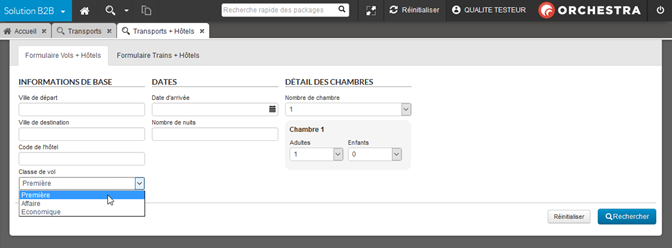


The B2B solution now allows users to perform transport searches by specifying the class of travel.
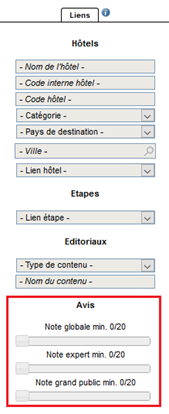
New fields have been added to the packages search engine so that users can search for packages according to their average ratings.
Three different sliders are available :
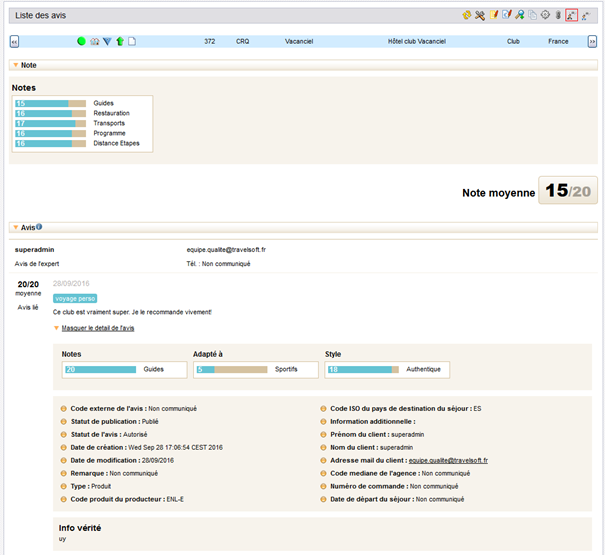
New actions have been added to the search engine results in the Products tab, with users now able to display the details of any reviews relating to the packages :
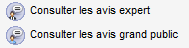
New actions used to view opinions for given packages.
The administration tool can now be used to perform searches by defining criteria values for which the products are not categorised. This functionality is compatible with the following tabs :
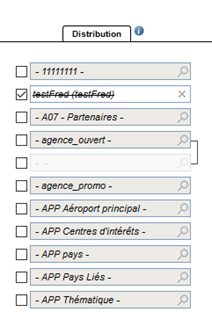
Accordingly, the “Distribution” column now features a tickbox in front of each criterion select box. When ticked, the value in the select box is crossed through, indicating that the search will reveal all products that are not categorised by this value.
Three new services have been added to the existing Back Office Web Services :
The Orchestra platform now offers the option of an à la carte sales process based on a shopping cart feature. Using the shopping cart, users can add a bundle of services (flights, hotels, transfers, activities) in order to manually put together an à la carte holiday ready for booking.
1/ Managing a shopping cart of services
A number of specific catalogue developments are required in order to integrate the shopping cart feature.
Shown below is one possible example of how this à la carte sales process can be integrated, with the services in the shopping cart represented on a vertical timeline in order to provide an easy way of setting out the holiday schedule.
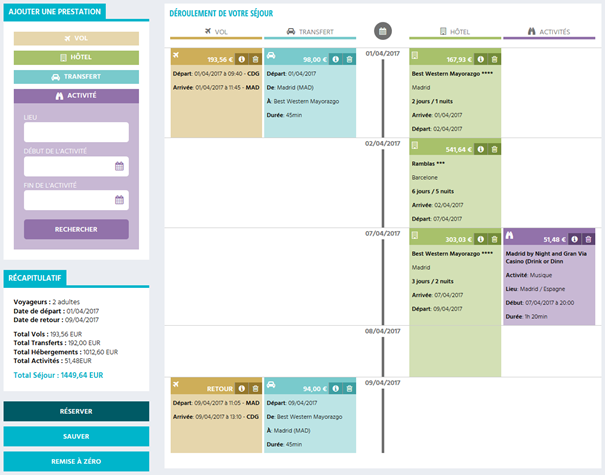
New services are added using dedicated search forms for each different service type.
2/ Adding a flight
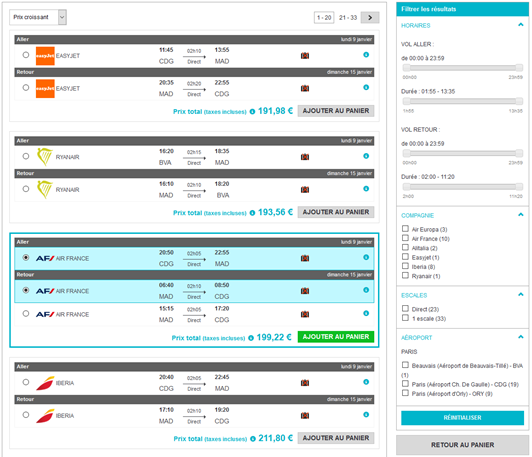
To add a flight, the transport booking process is used. The “Add to cart” button is used to add the selected transport to the shopping cart.
3/ Adding hotel rooms
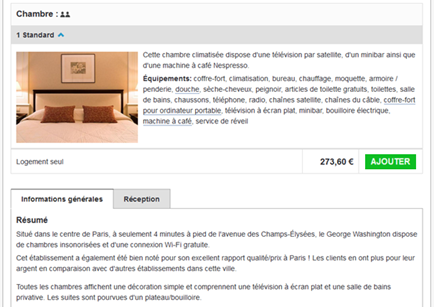
To add a hotel room, the hotel booking process is used. It is possible to add several hotels to the same shopping cart, in order to put together a tour, for example.
4/ Adding activities
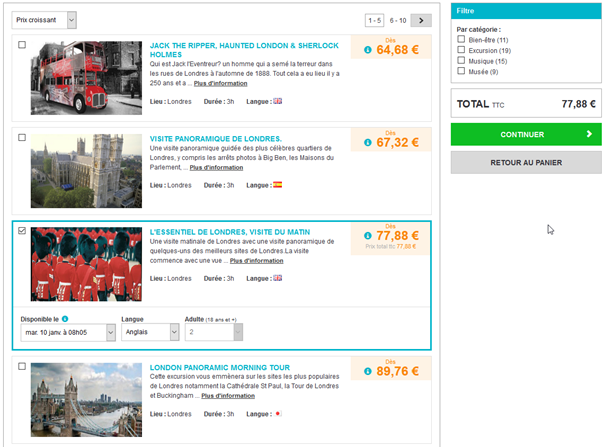
A new booking process has been created for adding activities. This process can be used to perform searches for activities by destination, by date range and by passengers.
Depending on the source, it is possible to display different information for each service :
It is possible to select multiple activities to add to the shopping cart using the tickboxes to the left of the results entries.
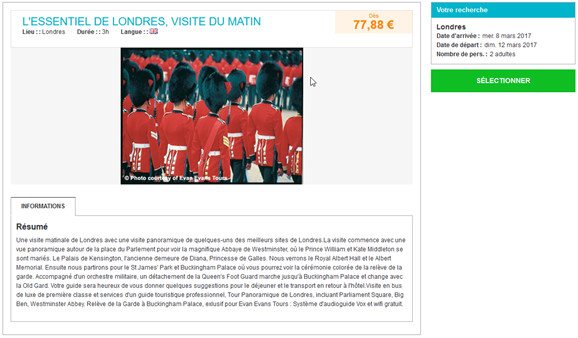
As with the hotels sales process, clicking on the title or the image opens a full description of the activity.
5/ Adding transfers
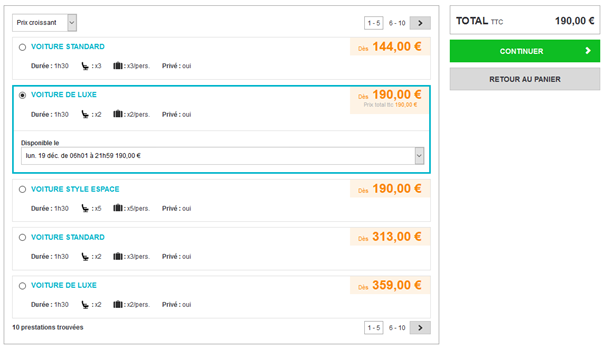
Lastly, a new transfers booking process has also been created in order to add transfers between airports and hotels. This process can be used to perform searches for transfers by origin/destination, by date and by passengers.
Depending on the source, it is possible to display different information for each transfer :
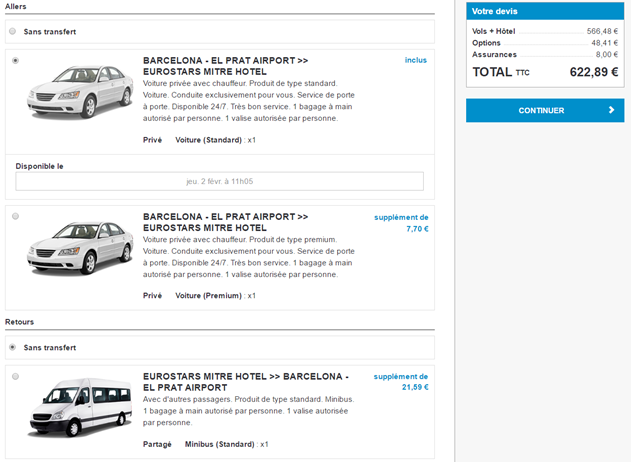
The sales processes for dynamic packages (flights + hotels) and for pre-packages now offers the option of external transfers.
These transfers are optional in dynamic package mode and compulsory in pre-package mode. The transfers may be outbound/inbound transfers or a one-way transfer. In the latter case, it is possible to select an outbound transfer and/or an inbound transfer independently.
Depending on the source, it is possible to display different information for each transfer :
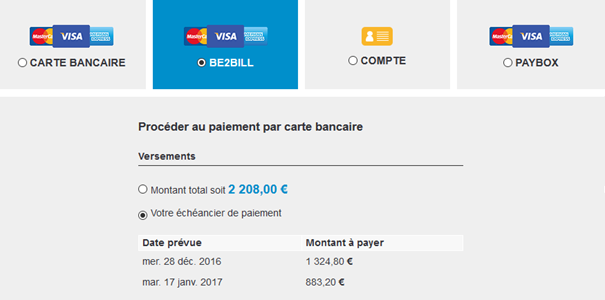
The Karavel payment system is now available on the platform. This new payment method operates as a three-instalment payment schedule for all booking processes.
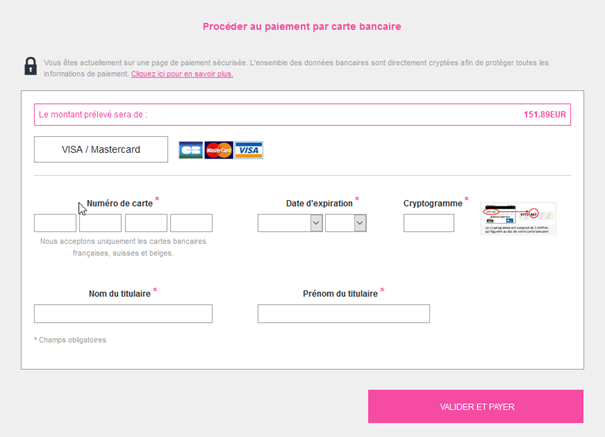
It is now possible to configure payment schedules for all bank card payments including systems that do not offer integrated payment schedules.
With the correct setup, it is possible to activate this mode and to define payment schedules according to the cost of the booking and the number of days prior to departure (different periods can be configured).

The hotels source aggregator Koedia is now available on the Orchestra platform.
The transfers source Natecnia is now available on the Orchestra platform. It can be used within the à la carte sales process, dynamic packages or within pre-packages.

The provision from Transat has been changed and now offers customisable trips such as “Self-drive tours” and “multiple stop-overs”.

The provision from Travelplan now includes bookings for its dynamic flights.