Booking Process: Display of Options and Creation of Zonings
The booking process has been redesigned to improve user experience and conversion:
Smart Display of Options
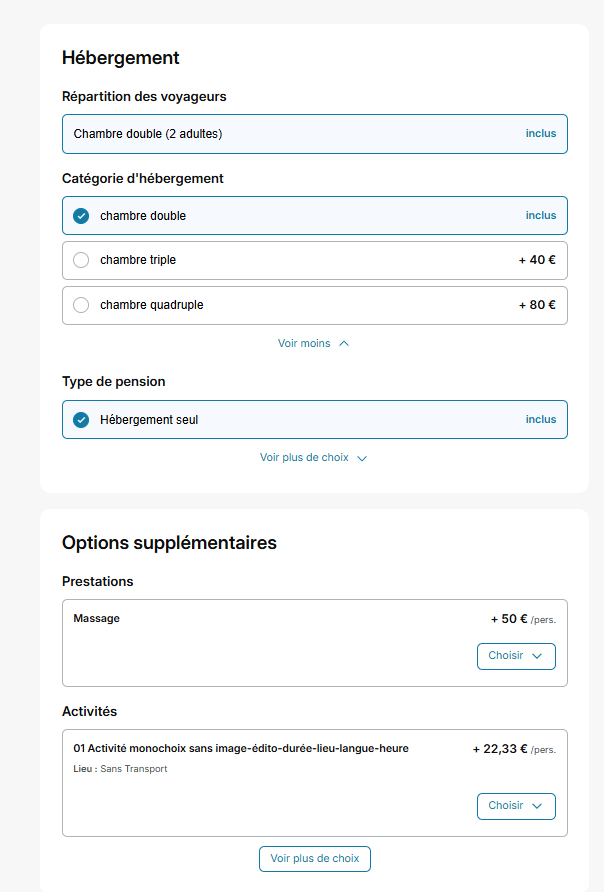
Faced with a large number of options on the quote page (accommodation block, transport, or additional services), we now display only certain options by default. The others are hidden via a button “see more choices” always allowing the user to explore all possibilities but lightening the display. Distributors will be able to configure the number of options to display for each category, but also by producer or by product type.
The default values will be:
- Accommodation block: Traveler distribution = 1 / Accommodation category = 3 / Board type = 2
- Additional options block: 5 options displayed.
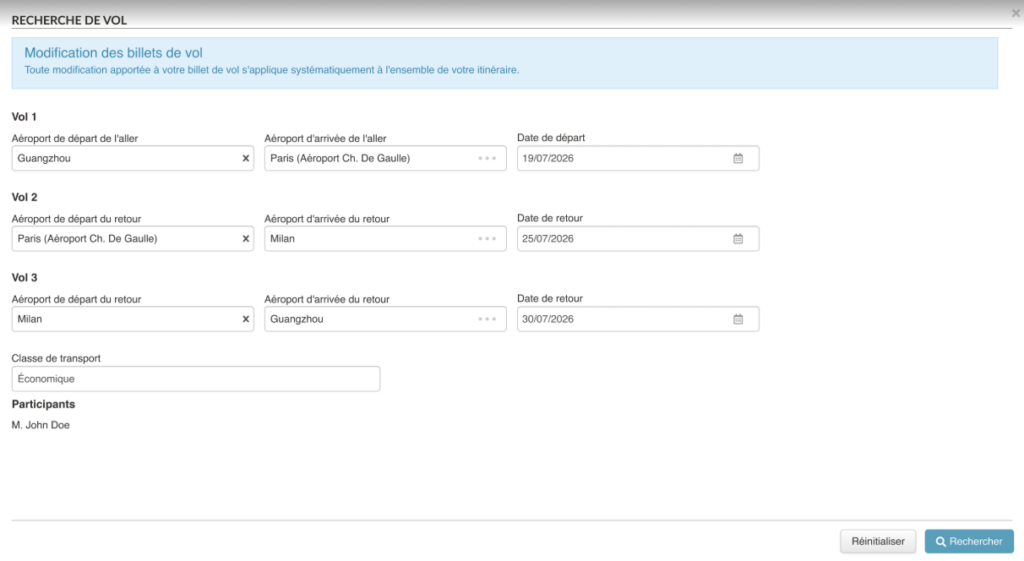
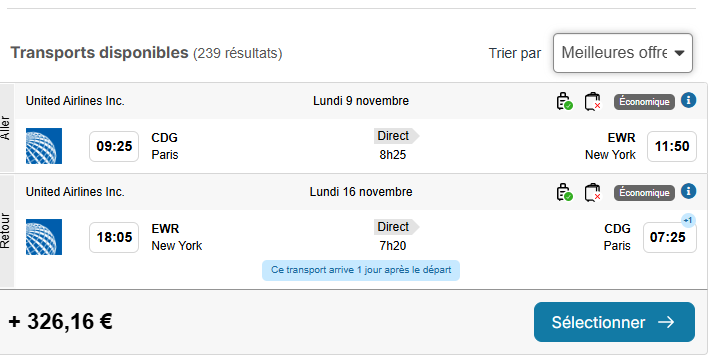
The transport carousel will be removed in favor of a clearer vertical list. By default, only one flight will be displayed but distributors will be able to configure this number.
Creation of Zonings
Distinct zones have been graphically implemented to better organize and delineate each section of the booking process. The numbers in the bubbles will be removed, and the booking process will switch to a gray background (color configurable for any color other than white). This approach accelerates the filling of fields while lightening the perception of the booking process.